快速开始
1. 注册账号
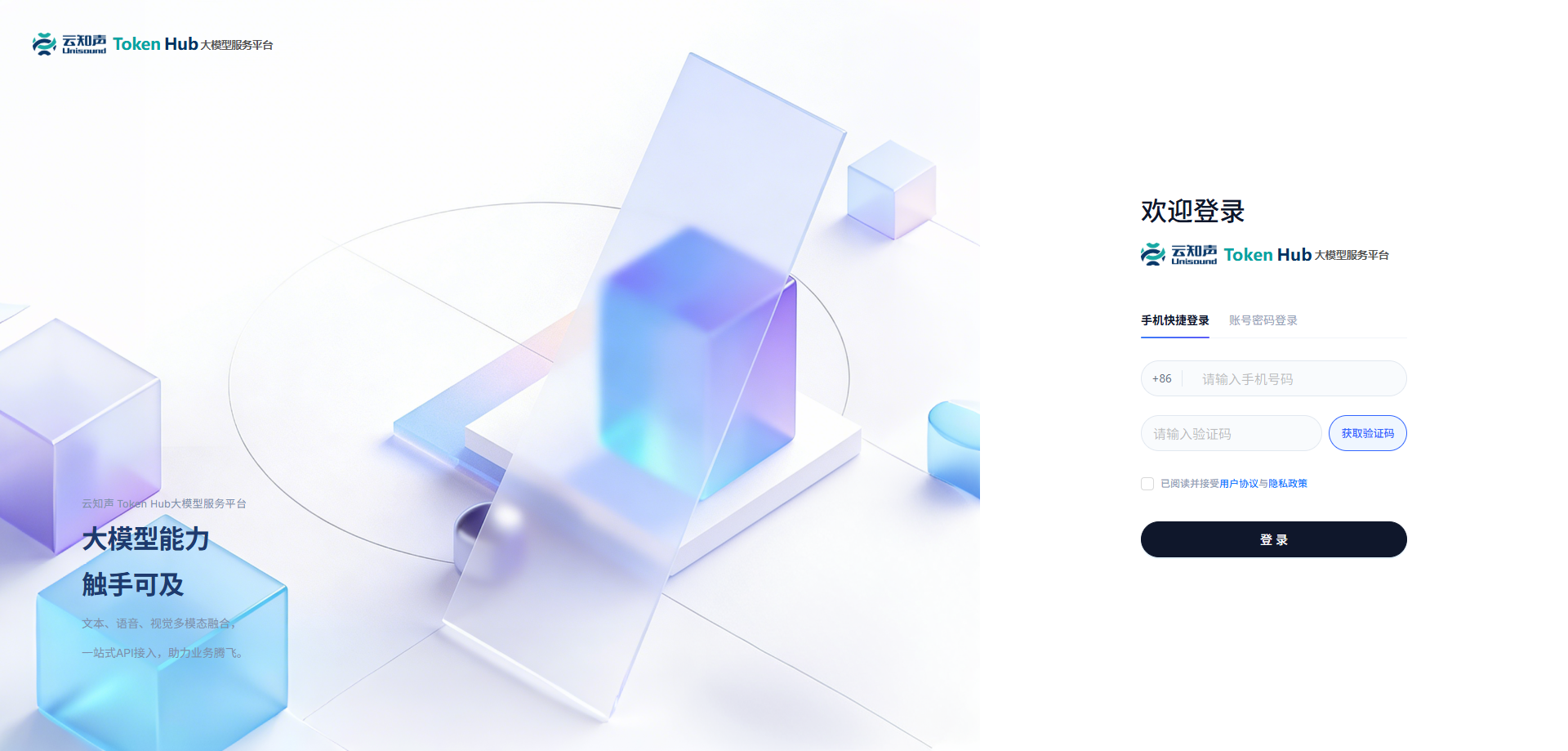
访问 云知声Maas平台,点击右上角的「登录」按钮,手机验证码登录,用户为首次登录时自动完成注册。
2. 开发者认证
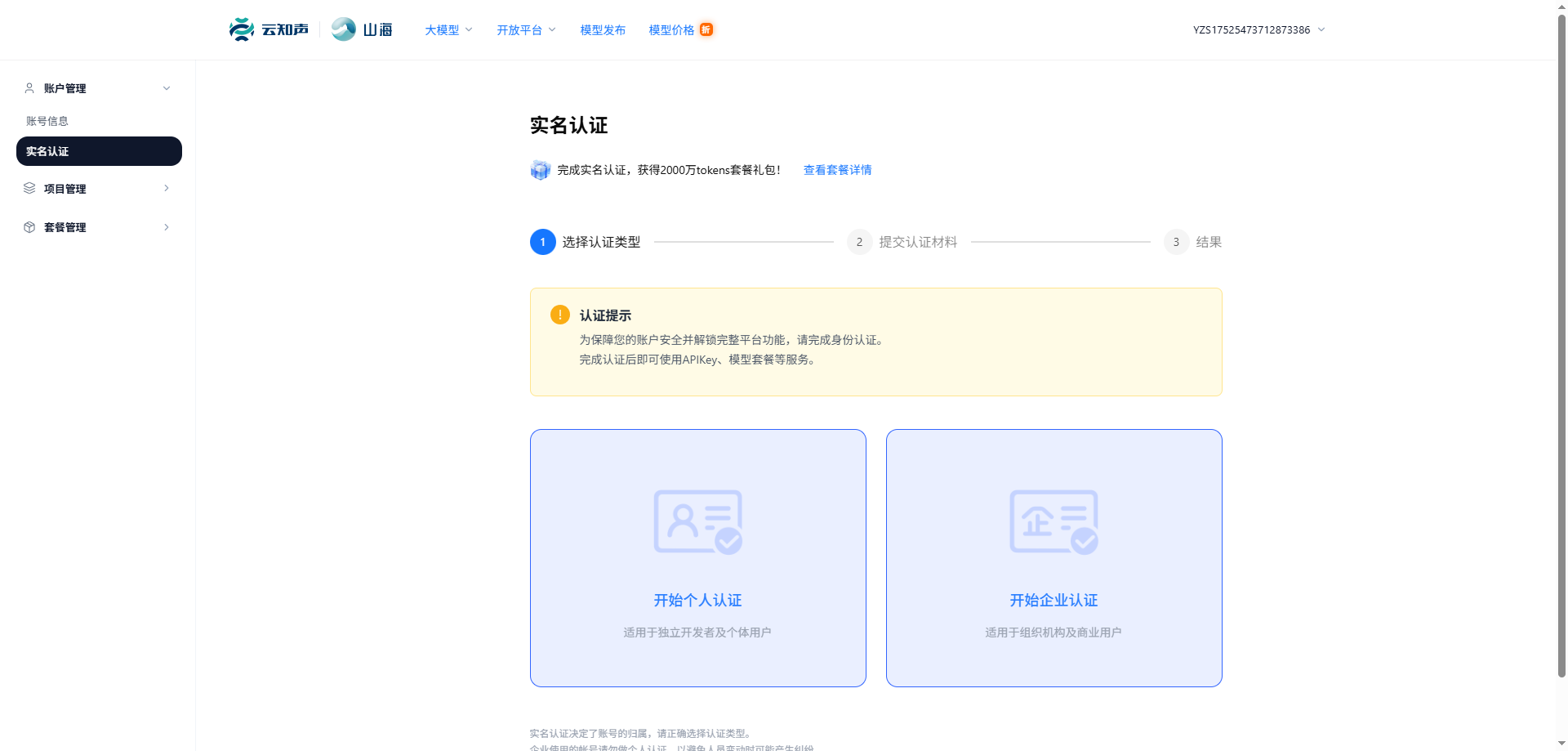
完成实名认证,即可获得丰厚的资源包礼包!
登录后,在账户管理页面,点击「实名认证」,请填写相关信息完成个人开发者或企业开发者认证。
认证礼包内容
| 语音模型 | 视觉模型 | 文本模型 |
|---|---|---|
U2-ASR:5 小时 | U2-OCR:500 万 tokens | Unisound U2:500 万 tokens |
U2-TTS:5 万字 | U2-OCR-Med:500 万 tokens | U2 Flash:500 万 tokens |
U2-TTS-Clone:2 万字 | U2-Med:500 万 tokens | |
U2-TTS-Design:2 万字 | U2-RadiMed:500 万 tokens |
3. 获取 API Key
安全提示
切勿将密钥分享给他人,或将其明文嵌入浏览器/客户端代码中。
如怀疑密钥泄露,请立即删除并重新生成。
- 按量付费 / 模型资源包:通过「控制台 > 按量计费&资源包 > API Key 管理 > 创建 API Key」获取 API Key。
按量付费支持使用所有模态模型,包括文本、语音、视觉等。
- Token Plan:通过「控制台 > 订阅管理 > Token Plan」获取 API Key。
Token Plan Key 用于 Token Plan 额度。它可以在付费资源可用之前就存在;当您拥有 Token Plan Credits 时才可实际使用资源。详情见 Token Plan 订阅概要。
4. 发起调用
文本生成(OpenAI API兼容)
兼容 OpenAI Chat Completions 的文本生成接口
文本生成(Anthropic API兼容)
兼容 Anthropic Messages API 的文本生成接口
实时语音转写
长时流式语音转写,支持多语种与方言实时输出
创建异步语音转写任务
创建长音频语音转写任务
查询语音转写任务状态
查询语音转写任务状态
同步语音合成
基于 WebSocket 的同步文本转语音,支持流式返回音频
创建异步语音合成任务
创建异步语音合成任务
查询语音合成任务状态
查询语音合成任务状态
上传克隆音频
上传待克隆的音频文件
快速克隆
执行声音克隆
音色设计
基于文本描述设计定制音色
创建异步文档解析任务
创建异步文档解析任务
查询文档解析任务状态
查询文档解析任务状态
文档信息抽取与分类
对图片信息进行结构化抽取
上传文件
上传文件到平台
文件列表
获取已上传的文件列表