DeepSeek Harness
DeepSeek Harness is an open-source agent harness from DeepSeek. It provides both Web UI and CLI; this tutorial uses the Web UI. By adding a custom provider, you can connect AI models on Unisound MaaS, supporting pay-as-you-go and U Plan.
1. Install DeepSeek Harness
- Install or update Node.js.
- Run the following command in a terminal to start the Web UI.
npx @deepseek-ai/dsh webStarting the Web UI opens the page in your browser on local launch; pass --no-open to run the server only without opening a browser.
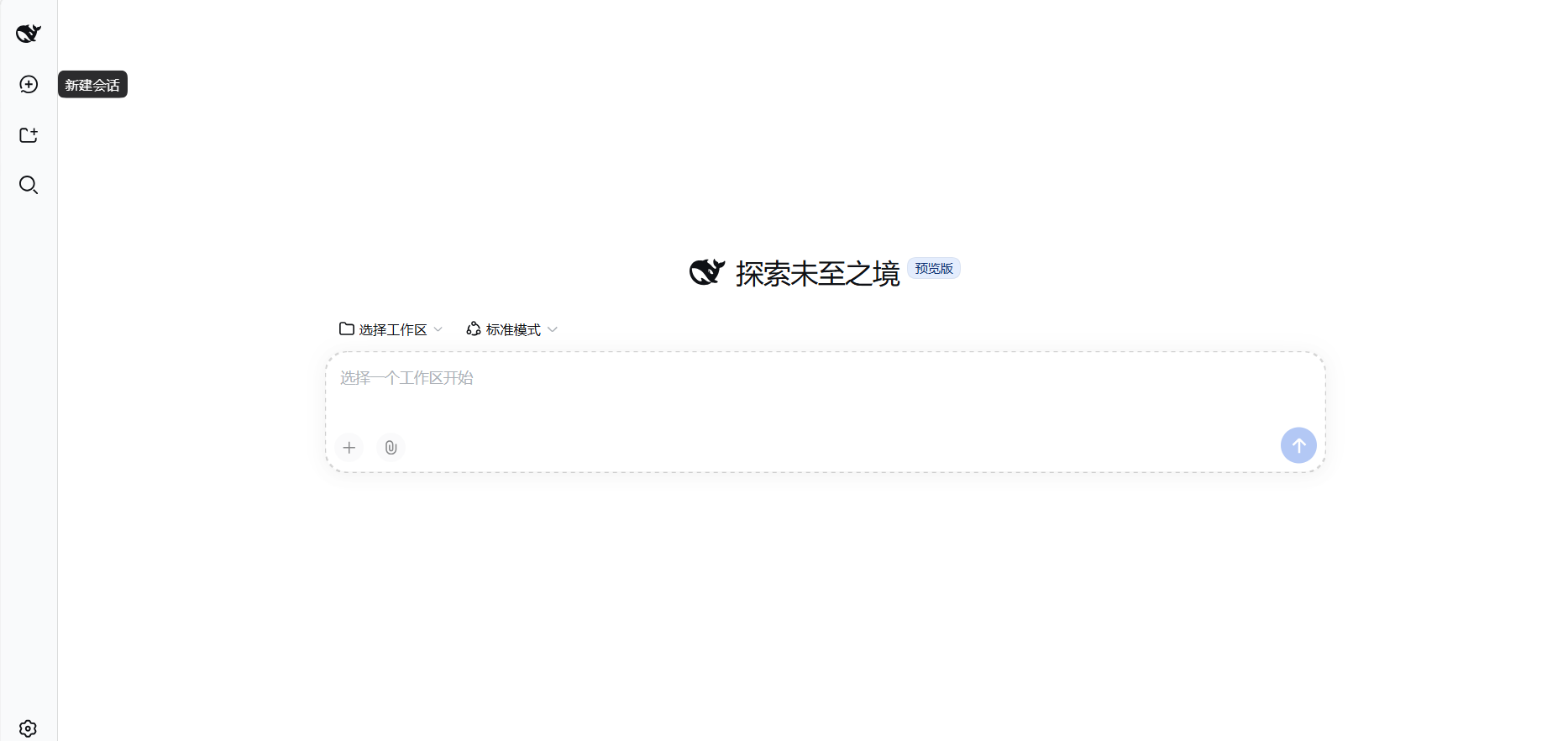
2. Configure the target model
- Open Settings → Models in the lower-right corner, choose Add custom provider, and fill in the fields below.
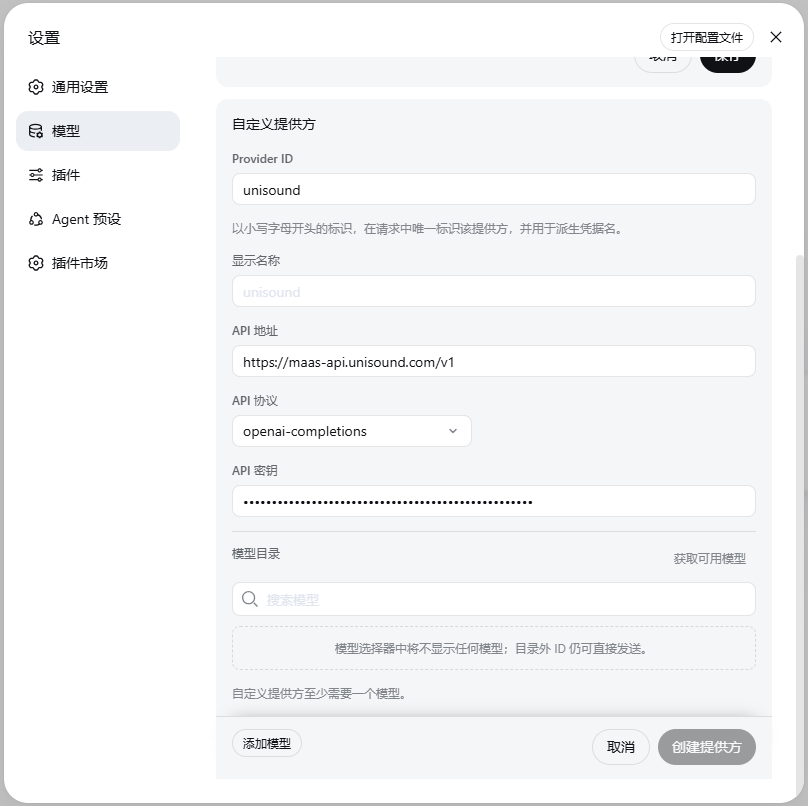
| Field | Value |
|---|---|
| Provider ID | unisound (custom, lowercase; cannot change after creation) |
| API address | https://maas-api.unisound.com/v1 |
| API protocol | openai-completions |
| API key | UNISOUND_API_KEY |
Note: The platform supports pay-as-you-go and U Plan. Credentials differ:
| Usage | Description | How to obtain (sample API Keys) |
|---|---|---|
| Pay-as-you-go API | Billed by usage; suitable for light use | API Key format: sk-xxxxx Go to API Key management to create an API Key |
| U Plan | Fixed subscription fee with plan quotas | API Key format: tp-xxxxx After subscribing, go to Subscription management to get the dedicated API Key |
- Click Fetch available models to get all models available for this API Key:
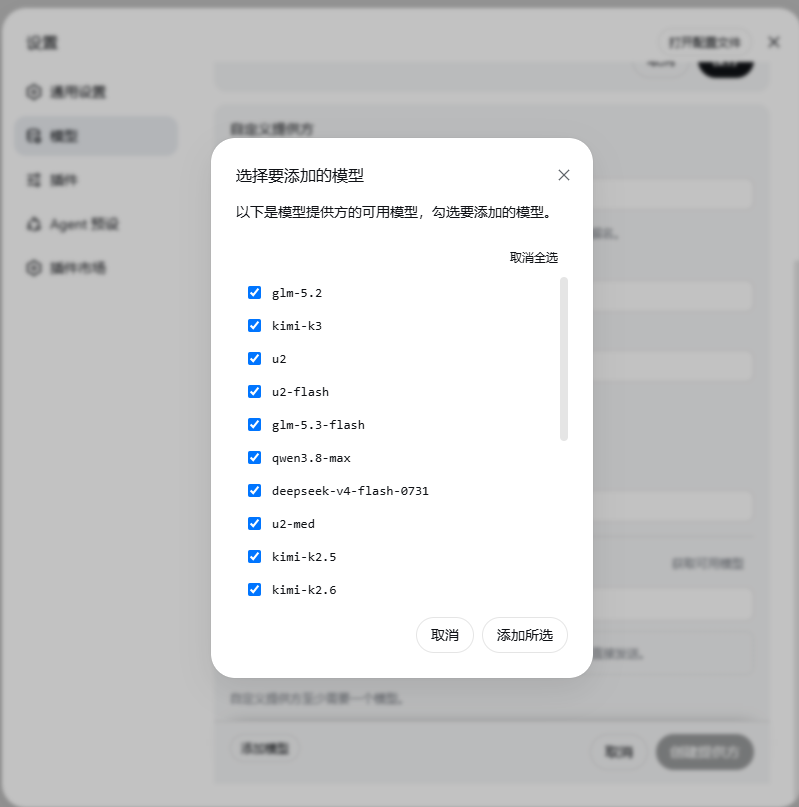
Select the models you want to call, click Add selected, then click Add provider to save.
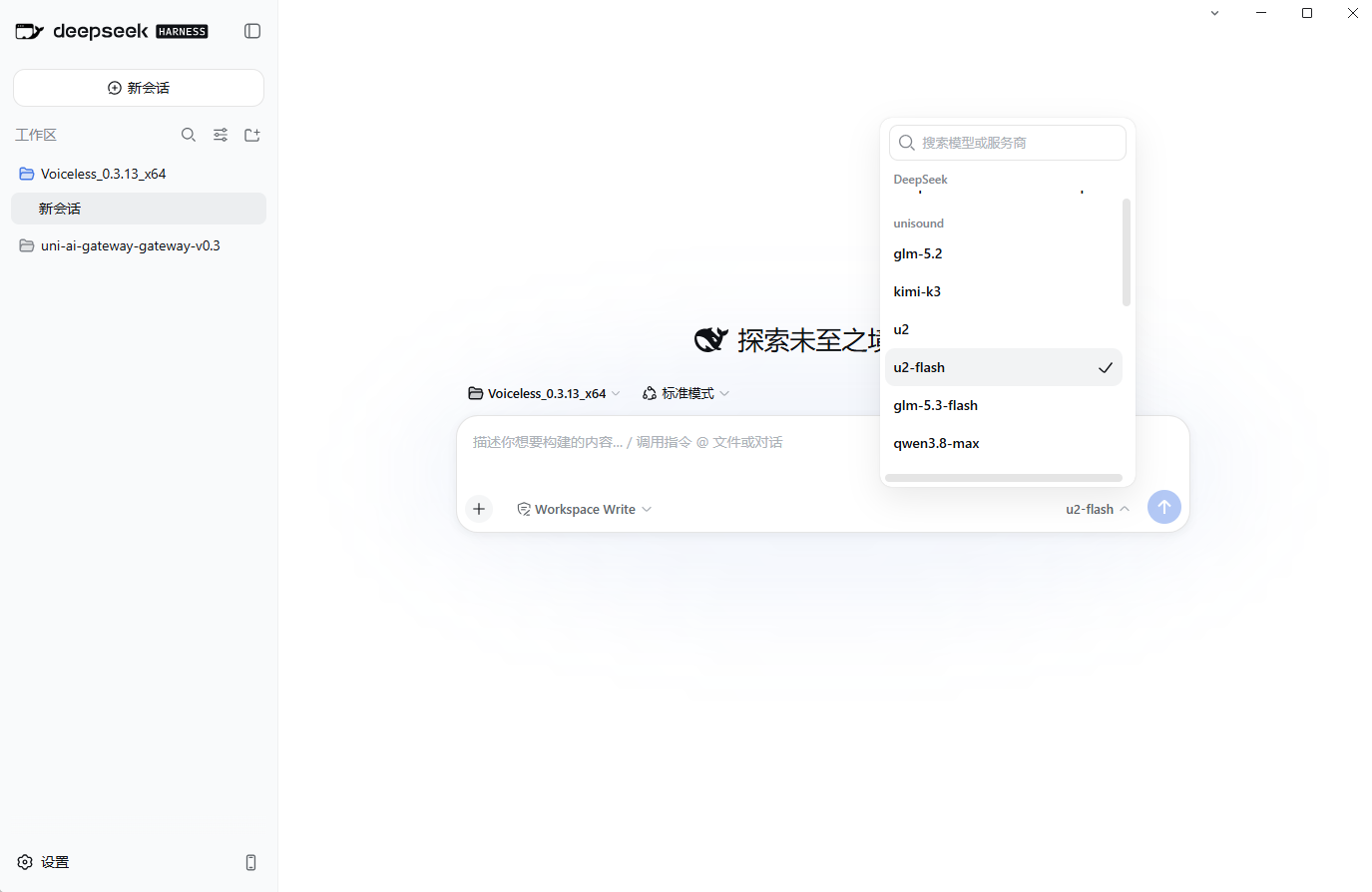
In the model selector, choose the target model under unisound to start chatting; selecting a model also sets it as the default for new sessions.
3. Quick access to capability models
We provide built-in U2-ASR, U2-TTS, U2-TTS-Clone, and U2-OCR capabilities. Add the corresponding model Skill in DeepSeek Harness to call these services quickly without integrating each model API separately.
Open a Skill page below to install via chat or CLI. After installation, the Skill guides you through model configuration.